
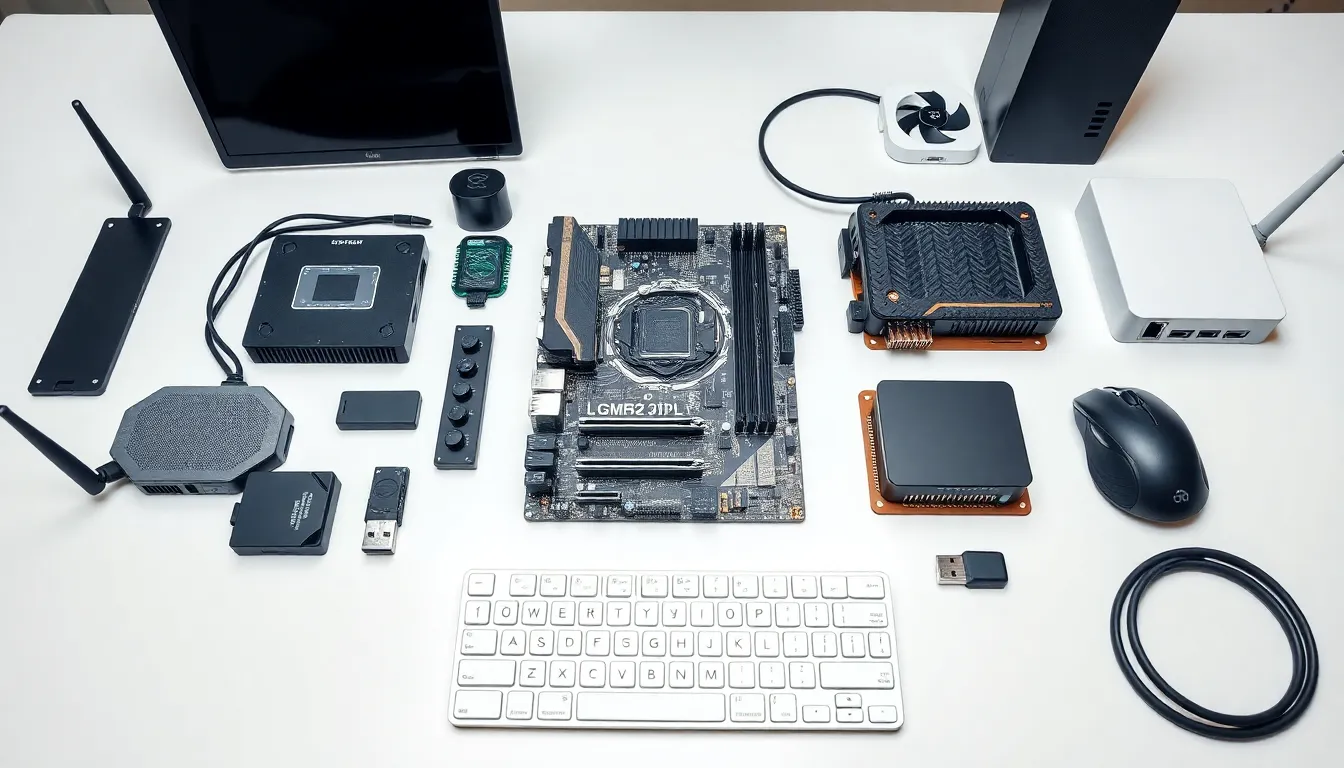
Hardware examples include every physical component that makes computers and electronic devices work. From the processor inside a laptop to the keyboard on a desk, hardware forms the foundation of modern technology. This guide covers internal components, external devices, input/output equipment, and networking gear. Readers will learn what each piece does and why it matters. Whether someone builds computers or simply wants to understand their devices better, this complete breakdown explains hardware in clear, practical terms.
Table of Contents
ToggleKey Takeaways
- Hardware examples include internal components like CPUs and RAM, external devices like monitors, input/output equipment, and networking gear.
- The CPU acts as the computer’s brain, while the motherboard connects all internal hardware components for seamless communication.
- External hardware examples such as docking stations and external storage drives expand functionality and portability for everyday users.
- Input devices like keyboards and mice send data to computers, while output devices like printers and speakers deliver results.
- Networking hardware including routers, modems, and switches enables devices to communicate and connect to the internet.
- Understanding hardware helps users make smarter purchasing decisions, troubleshoot issues, and maintain their devices effectively.
What Is Hardware?
Hardware refers to the physical parts of a computer or electronic system. Unlike software, which consists of programs and data, hardware is tangible. Users can touch it, see it, and replace it when needed.
Every computing device relies on hardware to function. A smartphone contains processors, memory chips, and sensors. A desktop computer houses a motherboard, power supply, and storage drives. Even simple gadgets like calculators contain hardware components.
Hardware examples fall into several categories:
- Internal hardware sits inside the computer case
- External hardware connects from outside the device
- Input devices send data to the computer
- Output devices display or produce results
- Networking hardware enables communication between devices
Understanding hardware helps users make better purchasing decisions, troubleshoot problems, and maintain their devices. It also provides context for how software interacts with physical components to create a working system.
Internal Hardware Examples
Internal hardware examples include all components housed within a computer’s case. These parts work together to process data, store information, and power the system.
Central Processing Unit (CPU)
The CPU serves as the computer’s brain. It executes instructions from programs and performs calculations. Popular CPU manufacturers include Intel and AMD. Modern processors contain multiple cores, allowing them to handle several tasks simultaneously.
Motherboard
The motherboard connects all internal hardware components. It provides pathways for data to travel between the CPU, memory, storage, and other parts. Every internal component either plugs into or communicates through the motherboard.
Random Access Memory (RAM)
RAM provides temporary storage for active programs and data. When someone opens an application, the system loads it into RAM for quick access. More RAM allows users to run multiple programs without slowdowns. Common configurations range from 8GB to 64GB for consumer devices.
Storage Drives
Storage drives hold data permanently. Hard disk drives (HDDs) use spinning platters to store information. Solid-state drives (SSDs) use flash memory and offer faster read/write speeds. Many systems now combine both types for optimal performance and capacity.
Graphics Processing Unit (GPU)
The GPU handles visual processing tasks. It renders images, videos, and 3D graphics. Gamers and video editors rely on powerful GPUs for smooth performance. Some CPUs include integrated graphics, while dedicated GPUs offer superior capabilities.
Power Supply Unit (PSU)
The PSU converts electrical power from an outlet into usable energy for computer components. It supplies different voltages to various parts. A quality PSU protects hardware from power surges and ensures stable operation.
External Hardware Examples
External hardware examples connect to computers from outside the main unit. These devices expand functionality and allow users to interact with their systems.
External Storage
External hard drives and USB flash drives provide portable storage. Users store backups, transfer files between computers, and expand their available space. External SSDs offer fast transfer speeds for large files like videos and project folders.
Monitors and Displays
Monitors display visual output from the computer. Screen sizes range from compact 21-inch models to expansive 34-inch ultrawide displays. Resolution options include 1080p, 1440p, and 4K. Refresh rates affect how smooth motion appears, with gaming monitors often reaching 144Hz or higher.
Docking Stations
Docking stations turn laptops into desktop workstations. They provide additional ports for monitors, keyboards, mice, and other peripherals. One cable connects the laptop to the dock, which then connects to multiple devices.
External Optical Drives
Many modern computers lack built-in DVD or Blu-ray drives. External optical drives connect via USB and allow users to read discs, install older software, or watch physical media.
Webcams
External webcams offer better video quality than most built-in laptop cameras. They provide higher resolutions, better low-light performance, and adjustable positioning. Remote workers and content creators often invest in quality webcams for professional video.
Input and Output Devices
Input and output devices represent important hardware examples that enable human-computer interaction. Input devices send information to the computer. Output devices present results to users.
Input Device Examples
Keyboards remain the primary text input method for most computers. Mechanical keyboards offer tactile feedback and durability. Membrane keyboards provide quieter, more affordable options.
Mice control cursor movement and selection. Gaming mice include extra buttons and adjustable sensitivity. Ergonomic mice reduce wrist strain during extended use.
Scanners convert physical documents into digital files. Flatbed scanners handle photos and single pages. Sheet-fed scanners process multiple documents quickly.
Microphones capture audio input for voice commands, recording, and video calls. USB microphones offer plug-and-play convenience. XLR microphones require audio interfaces but deliver professional sound quality.
Output Device Examples
Printers produce physical copies of digital documents and images. Inkjet printers excel at photo printing. Laser printers handle high-volume text documents efficiently.
Speakers output audio from computers. Desktop speakers range from basic stereo pairs to full surround sound systems. Sound quality depends on driver size, amplification, and build materials.
Headphones provide private audio output. Over-ear headphones offer immersive sound. Earbuds provide portability. Many models include microphones for communication.
Projectors display computer output on large surfaces. They suit presentations, home theaters, and classrooms where standard monitors prove too small.
Networking Hardware Examples
Networking hardware examples enable devices to communicate and share resources. These components form the backbone of home networks, office systems, and the internet itself.
Routers
Routers direct network traffic between devices and the internet. They assign IP addresses to connected devices and manage data packets. Modern routers support Wi-Fi standards like Wi-Fi 6, which provides faster speeds and better performance with multiple connected devices.
Modems
Modems connect local networks to internet service providers. Cable modems work with coaxial connections. DSL modems use telephone lines. Fiber modems handle fiber-optic connections. Many providers offer combination modem-router units.
Network Switches
Switches connect multiple wired devices within a network. They provide more Ethernet ports than most routers offer alone. Businesses use managed switches to control traffic and prioritize certain types of data.
Network Interface Cards
Network interface cards (NICs) allow computers to connect to networks. Wired NICs provide Ethernet connectivity. Wireless NICs enable Wi-Fi connections. Most modern motherboards include built-in networking capabilities, but users can add dedicated cards for better performance.
Access Points
Wireless access points extend Wi-Fi coverage in large spaces. They connect to routers via Ethernet cables and broadcast wireless signals. Mesh Wi-Fi systems use multiple access points to eliminate dead zones in homes and offices.
Ethernet Cables
Ethernet cables carry data between network devices. Category 5e (Cat5e) cables support speeds up to 1 Gbps. Category 6 (Cat6) and newer cables handle faster speeds and reduce interference. Wired connections offer more stability and lower latency than wireless alternatives.


