
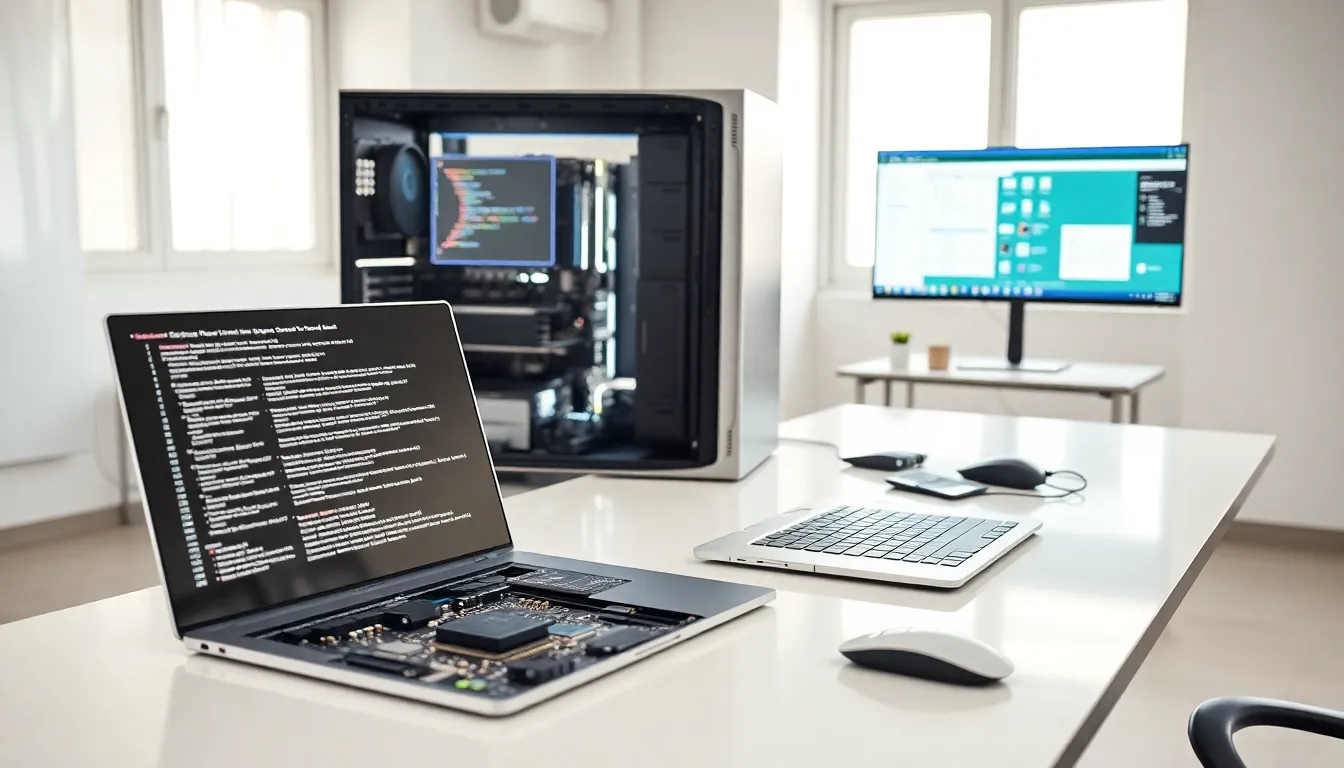
Hardware vs. software, two terms people use daily, yet many struggle to explain the actual difference. One you can touch. The other you can’t. But that simple distinction only scratches the surface.
Every computer, smartphone, and smart device relies on both hardware and software to function. They serve different purposes, but neither works without the other. Understanding this relationship helps users make smarter purchasing decisions, troubleshoot problems faster, and communicate more effectively with tech support.
This guide breaks down what hardware and software are, how they differ, and why their partnership matters for every device people use.
Table of Contents
ToggleKey Takeaways
- Hardware vs. software comes down to one core distinction: hardware is physical and tangible, while software exists only as code and instructions.
- Hardware includes components like CPUs, RAM, hard drives, and monitors—anything you can touch and hold.
- Software encompasses operating systems, applications, and programs that tell hardware what to do.
- Hardware degrades over time and requires physical replacement, while software can be updated, patched, or modified digitally.
- Drivers act as essential translators that enable hardware and software to communicate effectively.
- Neither hardware nor software can function alone—optimal device performance depends on both working together.
What Is Hardware?
Hardware refers to the physical components of a computer or electronic device. These are parts users can see, touch, and hold. If it has weight and takes up space, it’s hardware.
Examples of Hardware
Common hardware components include:
- Central Processing Unit (CPU): The brain of the computer that processes instructions
- Random Access Memory (RAM): Temporary memory that stores data the CPU needs quickly
- Hard Drive or SSD: Long-term storage for files, programs, and the operating system
- Motherboard: The main circuit board connecting all components
- Graphics Card (GPU): Processes visual data and renders images
- Monitor, Keyboard, Mouse: Input and output devices users interact with directly
Types of Hardware
Hardware falls into two main categories:
Internal hardware sits inside the computer case. This includes the CPU, RAM, motherboard, and storage drives. Users rarely see these components unless they open up their device.
External hardware connects to the computer from outside. Monitors, printers, keyboards, and USB drives all qualify as external hardware. These peripherals extend what a computer can do.
Hardware vs. software comparisons often start here, with the tangible nature of physical components. Hardware degrades over time, breaks down, and needs physical replacement when damaged.
What Is Software?
Software consists of programs, applications, and operating systems that tell hardware what to do. Unlike hardware, software has no physical form. It exists as code, instructions written in programming languages.
Examples of Software
Software comes in many forms:
- Operating Systems: Windows, macOS, Linux, Android, iOS
- Applications: Microsoft Word, Google Chrome, Photoshop, Spotify
- Utility Programs: Antivirus software, disk cleanup tools, file compression programs
- Games: From simple mobile apps to complex PC titles
Types of Software
System software manages hardware resources and provides a platform for other programs. Operating systems fall into this category. They handle basic functions like memory management, file storage, and device communication.
Application software performs specific tasks for users. Word processors, web browsers, and email clients are application software. These programs help people accomplish goals, writing documents, browsing websites, or editing photos.
Programming software gives developers tools to create new programs. Code editors, compilers, and debuggers help programmers write and test software.
In the hardware vs. software discussion, software stands out for its flexibility. Users can update, modify, or delete software without touching any physical component. A software bug gets fixed with a patch. A hardware failure requires a trip to the repair shop, or a new purchase.
Core Differences Between Hardware and Software
The hardware vs. software distinction comes down to several key factors.
Physical vs. Non-Physical
Hardware exists in the physical world. Users can pick up a hard drive, hold a keyboard, or replace a broken screen. Software exists only as data, sequences of ones and zeros stored on hardware.
Wear and Degradation
Hardware wears out. Hard drives fail after years of use. Keyboards lose their responsiveness. Batteries degrade with each charge cycle. Software doesn’t experience physical wear. A program works the same whether it’s one day old or ten years old (assuming compatibility with current systems).
Replacement and Updates
Replacing hardware often requires purchasing new components and physical installation. Software updates happen digitally. Users download patches, install new versions, or switch programs entirely, all without opening their device.
Cost Considerations
Hardware typically requires larger upfront investments. A new laptop, desktop, or smartphone costs hundreds or thousands of dollars. Software costs vary widely, from free open-source options to expensive enterprise licenses. Subscription models have made software more accessible through monthly payments.
Interdependence
Neither hardware nor software functions alone. The fastest processor means nothing without an operating system to run. The most advanced software can’t perform without capable hardware to execute it.
How Hardware and Software Work Together
Hardware vs. software debates sometimes miss the bigger picture: these two elements form a partnership.
When a user clicks a mouse, the hardware sends an electrical signal. The operating system (software) interprets that signal and triggers the appropriate response, maybe opening a file or selecting text. The CPU (hardware) processes the software’s instructions. The monitor (hardware) displays the result.
This cycle repeats millions of times per second. Every action on a computer involves hardware and software communicating through layers of code and circuitry.
Drivers: The Bridge Between Worlds
Drivers serve as translators between hardware and software. When someone installs a new printer, they often need driver software. This small program tells the operating system how to communicate with that specific hardware device.
Without the right drivers, hardware won’t function properly, even if it’s physically connected and powered on.
Performance Depends on Both
A slow computer might have a software problem (too many programs running, malware infection) or a hardware limitation (insufficient RAM, aging processor). Diagnosing issues requires understanding how hardware and software interact.
Upgrading hardware improves performance ceilings. Optimizing software improves efficiency within those ceilings. Smart users address both sides of the equation.


