
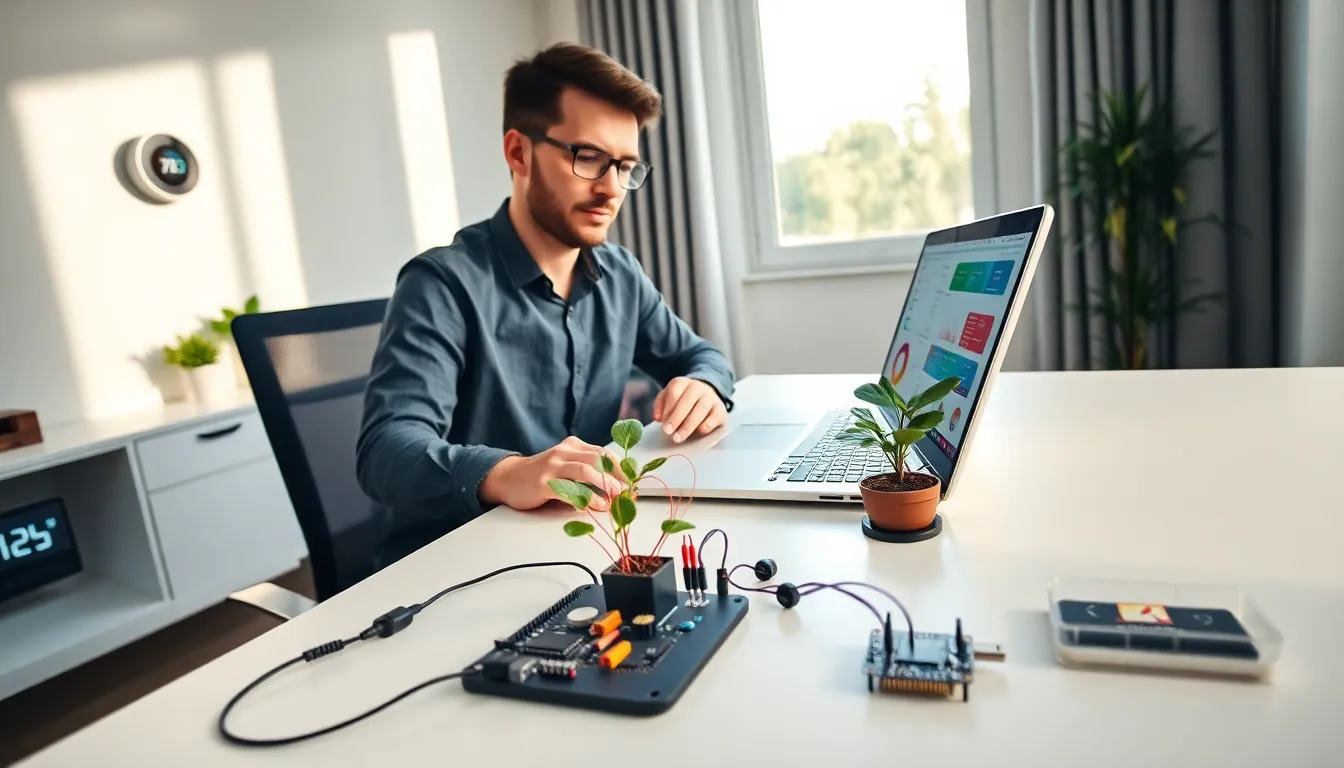
The Internet of Things connects everyday devices to the internet, creating smarter homes, offices, and cities. Learning how to Internet of Things projects work opens doors to automation, data collection, and remote control capabilities. Whether someone wants to build a smart thermostat or monitor their garden’s moisture levels, IoT makes it possible.
This guide covers the fundamentals of IoT technology, the components needed to start a project, and practical steps for setup. Readers will also find beginner-friendly applications and security tips to protect their connected devices.
Table of Contents
ToggleKey Takeaways
- The Internet of Things connects everyday devices to the internet, enabling automation, remote control, and smart data collection across homes, offices, and cities.
- Beginner IoT projects require three core components: a microcontroller (like ESP32), sensors or actuators, and connectivity options such as Wi-Fi or Bluetooth.
- You can build a functional temperature monitoring system for under $20 using an ESP32 board, DHT22 sensor, and free platforms like Arduino IDE and ThingSpeak.
- Start with practical IoT applications like smart lighting, plant watering systems, or weather stations to develop hands-on skills.
- Protect your IoT network by changing default passwords, updating firmware regularly, and creating a separate Wi-Fi network for connected devices.
What Is the Internet of Things?
The Internet of Things refers to a network of physical devices that communicate and share data through the internet. These devices include sensors, appliances, vehicles, and industrial equipment. Each IoT device collects information from its environment and sends that data to other devices or cloud platforms.
A simple example: a smart doorbell captures video footage and streams it to a smartphone app. The doorbell connects to a home Wi-Fi network, transmits data to a cloud server, and the homeowner views the feed remotely. That’s IoT in action.
IoT devices typically contain three core elements:
- Sensors or actuators that detect changes or perform actions
- Connectivity modules like Wi-Fi, Bluetooth, or cellular chips
- Processing units that handle data locally or send it elsewhere
The Internet of Things has grown rapidly. Estimates suggest over 15 billion connected devices exist today, with projections reaching 30 billion by 2030. This growth spans consumer products, healthcare equipment, agricultural tools, and manufacturing systems.
Essential Components for Your First IoT Project
Starting an IoT project requires specific hardware and software components. Here’s what beginners need:
Microcontrollers and Development Boards
Microcontrollers serve as the brain of IoT devices. Popular options include:
- Arduino Uno – Great for learning basic electronics and programming
- ESP32 – Affordable with built-in Wi-Fi and Bluetooth
- Raspberry Pi – A full computer capable of running complex applications
The ESP32 stands out for IoT beginners because it costs under $10 and handles wireless connectivity without additional modules.
Sensors and Actuators
Sensors gather data from the environment. Common choices include temperature sensors (DHT11, DHT22), motion detectors (PIR sensors), and light sensors (photoresistors). Actuators perform physical actions, motors, relays, and servos fall into this category.
Connectivity Options
Most home IoT projects use Wi-Fi for internet access. Bluetooth works well for short-range communication between devices. For outdoor or industrial IoT applications, LoRa or cellular connections provide longer range.
Software and Platforms
Beginners need programming environments and cloud platforms:
- Arduino IDE – Free software for writing and uploading code to microcontrollers
- ThingSpeak – A cloud platform for storing and visualizing IoT data
- Home Assistant – Open-source software for home automation
These tools form the foundation for any Internet of Things project.
Setting Up Your IoT Devices Step by Step
Follow these steps to set up a basic IoT project, a temperature monitoring system using an ESP32 and DHT22 sensor.
Step 1: Gather Materials
Collect an ESP32 board, DHT22 temperature sensor, jumper wires, breadboard, and USB cable. Total cost typically runs under $20.
Step 2: Connect the Hardware
Place the ESP32 on the breadboard. Connect the DHT22’s data pin to GPIO 4 on the ESP32. Attach power (3.3V) and ground wires between the sensor and board.
Step 3: Install Software
Download the Arduino IDE. Add ESP32 board support through the Boards Manager. Install the DHT sensor library from the Library Manager.
Step 4: Write the Code
Create a sketch that reads temperature data from the sensor. The code should connect to Wi-Fi and send readings to a cloud platform like ThingSpeak every 30 seconds.
Step 5: Upload and Test
Connect the ESP32 via USB and upload the code. Open the Serial Monitor to verify Wi-Fi connection and data transmission. Check the cloud dashboard to confirm readings appear correctly.
Step 6: Deploy the Device
Once testing succeeds, power the device with a USB adapter or battery pack. Place it in the desired location and monitor data remotely.
This Internet of Things setup takes about an hour for first-timers.
Common IoT Applications for Beginners
Beginners often wonder what to build after learning the basics. These IoT applications offer practical value and skill development:
Smart Home Lighting
Control lights remotely using smart bulbs or relay modules connected to a microcontroller. Users can schedule on/off times or trigger lights based on motion detection.
Plant Watering Systems
Soil moisture sensors detect when plants need water. The IoT system activates a pump automatically or sends notifications to water manually.
Weather Stations
Combine temperature, humidity, and barometric pressure sensors to build a personal weather station. Data uploads to the cloud for tracking patterns over time.
Security Cameras
A Raspberry Pi with a camera module creates a simple surveillance system. Motion-triggered recording saves storage space while capturing important events.
Energy Monitors
Current sensors measure electricity usage on individual circuits. Homeowners identify power-hungry appliances and reduce energy costs.
Each project teaches different aspects of the Internet of Things, sensor integration, data transmission, cloud storage, and automation logic.
Security Best Practices for IoT Networks
IoT devices introduce security risks if not properly configured. Hackers target poorly secured devices to access home networks or launch attacks on other systems.
Change Default Credentials
Many IoT devices ship with factory-set usernames and passwords. Change these immediately. Use strong, unique passwords for each device.
Update Firmware Regularly
Manufacturers release updates to fix security vulnerabilities. Check for firmware updates monthly and install them promptly.
Segment the Network
Create a separate Wi-Fi network for IoT devices. This isolation prevents compromised devices from accessing computers or phones on the main network. Most modern routers support guest networks or VLANs for this purpose.
Disable Unnecessary Features
Turn off features that aren’t needed. Remote access, voice control, and cloud connectivity each represent potential entry points for attackers.
Use Encryption
Ensure data transmissions use HTTPS or TLS encryption. Unencrypted data can be intercepted and read by anyone monitoring the network.
Monitor Device Activity
Watch for unusual behavior like devices sending data at odd hours or communicating with unknown servers. Network monitoring tools help detect suspicious activity.
Following these Internet of Things security practices protects both the devices and the broader home network.


