
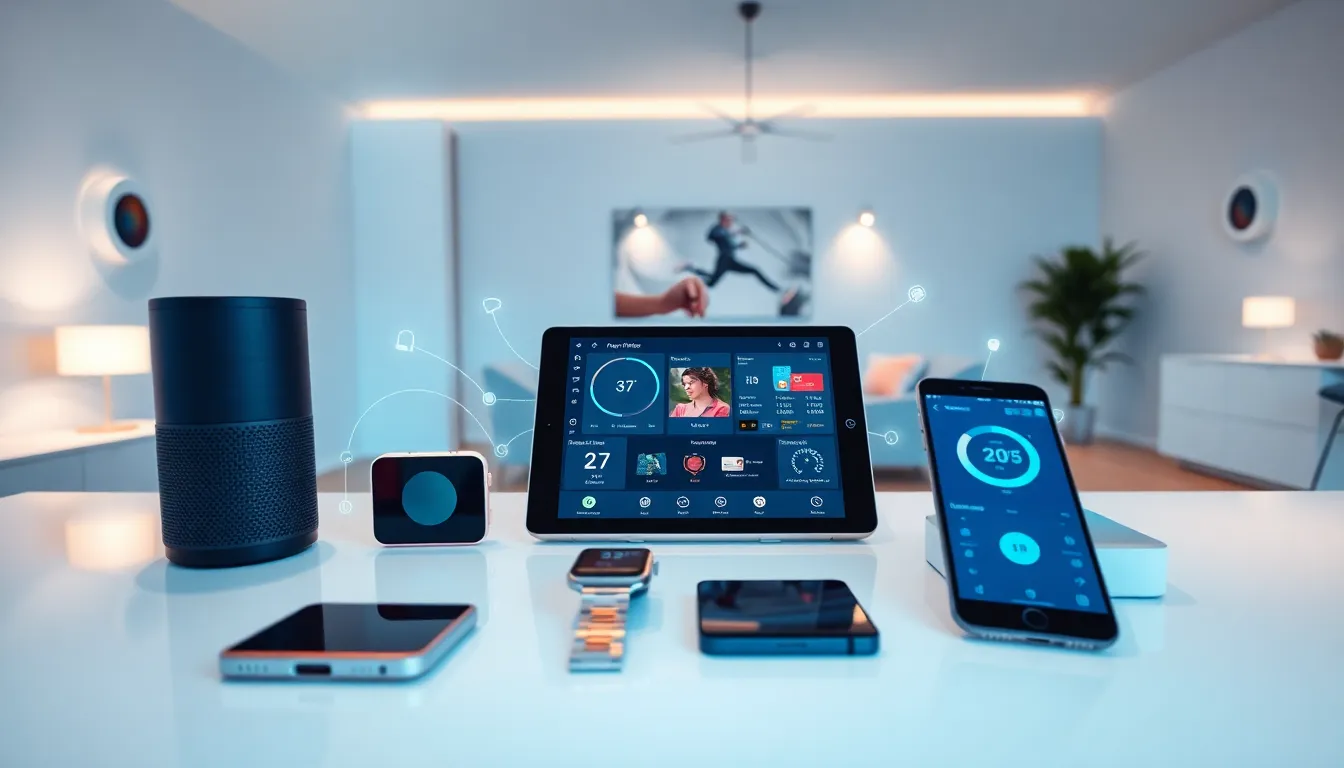
This internet of things guide breaks down how connected devices work, why they matter, and how anyone can start using them. The Internet of Things (IoT) connects everyday objects to the internet, allowing them to send and receive data. From smart thermostats to industrial sensors, IoT technology has become part of daily life for millions of people worldwide.
By 2025, experts estimate over 75 billion IoT devices will be active globally. That’s roughly ten connected devices for every person on Earth. Understanding this technology isn’t just useful, it’s becoming essential. This guide covers what IoT is, how it functions, real-world applications, and practical steps to get started.
Table of Contents
ToggleKey Takeaways
- The Internet of Things (IoT) connects everyday objects to the internet, enabling them to send and receive data through sensors, software, and connectivity.
- By 2025, over 75 billion IoT devices are expected to be active globally—roughly ten connected devices per person on Earth.
- IoT systems work through four main components: devices and sensors, connectivity, data processing, and user interfaces.
- Common IoT applications include smart home devices, wearable fitness trackers, connected vehicles, healthcare monitoring, and industrial automation.
- Security and privacy are the biggest IoT challenges—always change default passwords, enable two-factor authentication, and keep firmware updated.
- Start your internet of things journey small by choosing one ecosystem (Alexa, Google Home, or Apple HomeKit) and adding a few compatible devices before expanding.
What Is the Internet of Things?
The Internet of Things refers to physical objects embedded with sensors, software, and connectivity that enable them to exchange data over the internet. These objects range from household appliances to complex industrial machinery.
A simple example: a smart thermostat. It measures indoor temperature, connects to Wi-Fi, and adjusts heating or cooling based on user preferences or learned patterns. The thermostat “talks” to a smartphone app, letting homeowners control their climate from anywhere.
IoT devices share three core characteristics:
- Sensors or actuators that collect data or perform actions
- Connectivity through Wi-Fi, Bluetooth, cellular networks, or other protocols
- Data processing either locally on the device or through cloud servers
The term “Internet of Things” was coined in 1999 by Kevin Ashton, a British technology pioneer. He used it to describe a system where physical objects could connect to the internet through sensors. Since then, the concept has grown far beyond his original vision.
IoT differs from traditional computing because it extends internet connectivity beyond computers and phones. A refrigerator that tracks groceries, a watch that monitors heart rate, or a factory machine that predicts maintenance needs, all qualify as IoT devices. They bridge the gap between the physical and digital worlds.
How IoT Technology Works
IoT systems operate through four main components: devices, connectivity, data processing, and user interfaces. Each plays a specific role in making connected technology function.
Devices and Sensors
IoT devices contain sensors that gather information from their environment. Temperature sensors measure heat. Motion sensors detect movement. GPS modules track location. These sensors convert physical phenomena into digital data.
Connectivity Layer
Once data is collected, it needs to travel somewhere. IoT devices use various connection methods:
- Wi-Fi for home devices with reliable power sources
- Bluetooth for short-range, low-power connections
- Cellular (4G/5G) for mobile or remote devices
- LoRaWAN for long-range, low-power applications
- Zigbee for mesh networks in smart homes
The choice depends on power availability, range requirements, and data volume.
Data Processing
Raw sensor data isn’t useful until it’s processed. Some IoT devices handle processing locally, this is called edge computing. Others send data to cloud servers for analysis. Many systems use a combination of both.
For instance, a security camera might process video locally to detect motion, then send only relevant clips to the cloud. This reduces bandwidth usage and speeds up response times.
User Interface
Finally, processed data reaches users through apps, dashboards, or automated alerts. A fitness tracker displays step counts on a phone app. An industrial sensor triggers an email when equipment needs maintenance. The interface makes IoT data actionable.
Common IoT Applications in Everyday Life
IoT technology appears in more places than most people realize. Here are the most common applications of the internet of things in daily life.
Smart Home Devices
Smart speakers like Amazon Echo and Google Home serve as IoT hubs. They control lights, locks, thermostats, and entertainment systems through voice commands. Smart doorbells show visitors on a phone screen. Robot vacuums clean floors on schedule.
The average smart home now contains 20+ connected devices. This number continues to grow as prices drop and interoperability improves.
Wearable Technology
Fitness trackers and smartwatches represent the most personal IoT applications. They monitor heart rate, sleep patterns, steps, and oxygen levels. Some detect irregular heartbeats and alert users to potential health issues.
Apple Watch has been credited with saving lives by detecting atrial fibrillation in users who didn’t know they had heart problems.
Connected Vehicles
Modern cars contain dozens of IoT sensors. They track tire pressure, engine performance, and fuel efficiency. Connected cars can call for help after accidents, receive over-the-air software updates, and provide real-time traffic navigation.
Healthcare Applications
Remote patient monitoring uses IoT to track vital signs outside hospitals. Diabetic patients use continuous glucose monitors that send readings to their phones. Elderly care systems detect falls and automatically alert caregivers.
Industrial and Agricultural Uses
Factories use IoT sensors to predict equipment failures before they happen. Farmers deploy soil moisture sensors to optimize irrigation. Shipping companies track containers across oceans in real time. These applications save money and reduce waste.
Benefits and Challenges of IoT
The internet of things offers significant advantages, but it also introduces new concerns. Understanding both sides helps users make informed decisions.
Key Benefits
Convenience and automation top the list. IoT devices handle routine tasks automatically. Lights turn on at sunset. Coffee makers start brewing before the alarm goes off. These small automations add up to meaningful time savings.
Energy efficiency follows closely. Smart thermostats reduce heating and cooling costs by 10-15% on average. Connected water heaters and appliances optimize usage patterns. Businesses report significant utility savings after implementing IoT systems.
Better decision-making comes from data visibility. When people can see their energy usage, sleep patterns, or driving habits, they make smarter choices. IoT turns invisible information into visible insights.
Safety improvements affect homes and workplaces. Smoke detectors send alerts to phones. Water leak sensors prevent flooding. Industrial IoT systems identify dangerous conditions before accidents occur.
Notable Challenges
Security vulnerabilities present the biggest concern. Many IoT devices have weak default passwords or limited security updates. Hackers have exploited smart cameras, baby monitors, and even connected cars. The more devices on a network, the more potential entry points for attackers.
Privacy concerns worry many users. IoT devices collect vast amounts of personal data. Who has access to that information? How long is it stored? These questions don’t always have clear answers.
Interoperability issues frustrate consumers. Devices from different manufacturers often don’t work well together. Someone might need three separate apps to control their smart home devices.
Reliability depends on connectivity. When the internet goes down, many IoT functions stop working. This dependency creates frustration and, in some cases, real problems.
Getting Started With IoT Devices
Starting with IoT doesn’t require technical expertise. A few practical steps help beginners build a connected system that works.
Choose an Ecosystem
Most smart home devices work within ecosystems, Amazon Alexa, Google Home, or Apple HomeKit. Picking one ecosystem simplifies setup and ensures devices communicate properly. Consider which voice assistant the household already uses.
Start Small
Begin with one or two devices rather than overhauling everything at once. Popular starting points include:
- A smart speaker for voice control
- Smart bulbs that adjust brightness and color
- A video doorbell for security
- A smart plug to control existing appliances
These entry-level devices cost little and demonstrate IoT capabilities without major commitment.
Prioritize Security
Before adding any IoT device, take these security steps:
- Change default passwords immediately
- Enable two-factor authentication when available
- Keep device firmware updated
- Use a separate Wi-Fi network for IoT devices if possible
- Research the manufacturer’s security reputation before buying
Plan for Growth
Think about future additions when selecting initial devices. A smart thermostat from one brand might integrate better with sensors from the same company. Reading reviews and compatibility lists prevents headaches later.
Monitor Data Usage
IoT devices consume bandwidth and generate data. Review privacy settings on each device. Disable features that collect unnecessary information. Check what data is shared with third parties.


