
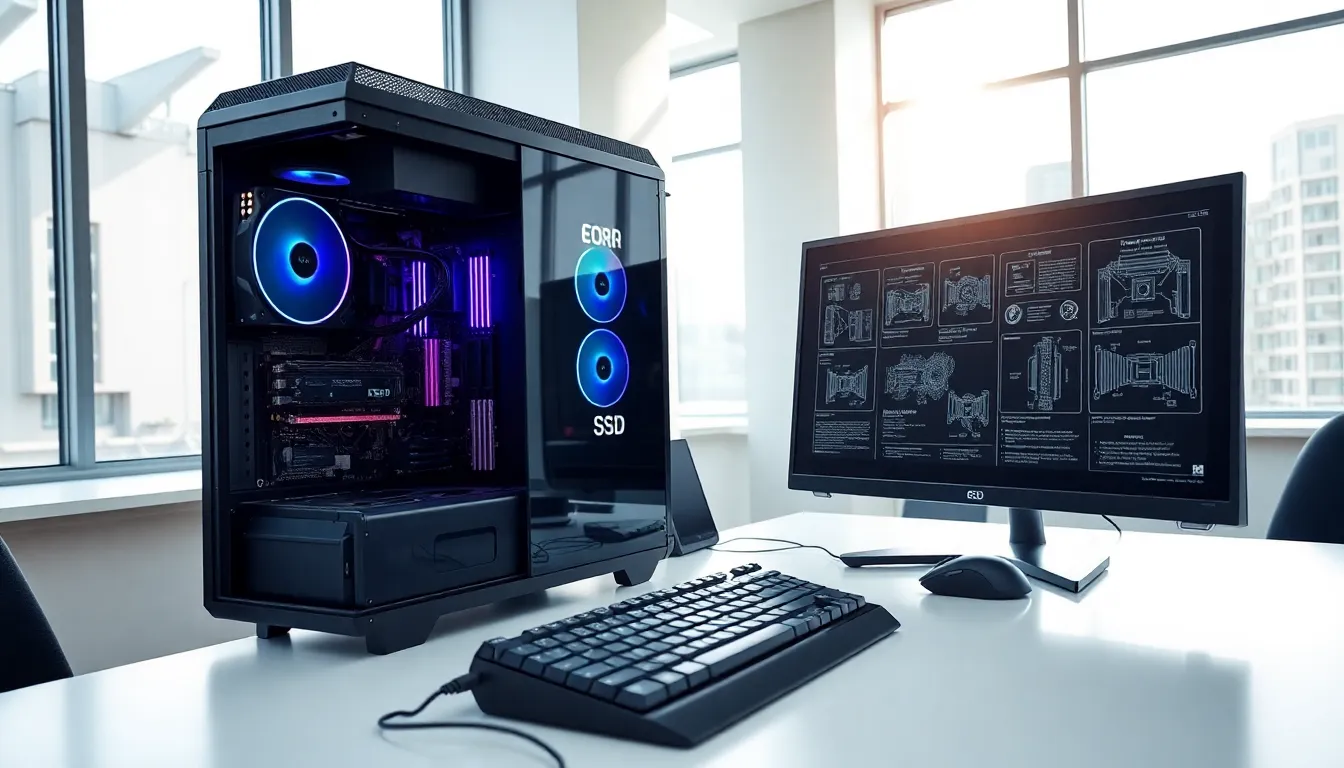
What is hardware? This question forms the foundation of understanding how computers work. Hardware refers to the physical components that make up a computer system. These are the parts you can see and touch, from the keyboard under your fingers to the processor inside the case.
Every computing device relies on hardware to function. Smartphones, laptops, servers, and gaming consoles all contain hardware components working together. Without these physical parts, software would have nothing to run on. Think of hardware as the body, and software as the mind that gives it purpose.
This guide covers the basics of computer hardware. It explains the different types, breaks down internal and external components, and clarifies how hardware differs from software. Whether someone is building their first PC or simply curious about what’s inside their laptop, this article provides clear answers.
Table of Contents
ToggleKey Takeaways
- Hardware refers to the physical components of a computer system—everything you can see and touch, from keyboards to processors.
- Internal hardware like the CPU, RAM, motherboard, and storage drives handles core computing tasks inside the case.
- External hardware includes input devices (keyboards, mice) and output devices (monitors, speakers) that let you interact with the system.
- Hardware and software are interdependent: hardware provides the physical platform, while software delivers the instructions to make it work.
- Upgrading specific hardware components like RAM or switching to an SSD can significantly boost performance without replacing the entire system.
- Always check hardware compatibility before purchasing, as CPUs, RAM, and motherboards must match specific requirements.
Understanding Hardware: Definition and Overview
Hardware includes all the physical parts of a computer or electronic device. The term comes from traditional manufacturing, where “hardware” meant metal tools and equipment. In computing, it describes any component with a physical form.
A computer’s hardware performs specific tasks. The processor calculates data. Memory stores information temporarily. Storage drives save files permanently. Each piece has a job, and they all work together to create a functioning system.
Hardware exists in various forms across different devices. A smartphone contains hardware like a touchscreen, battery, and camera sensor. A desktop computer includes a motherboard, power supply, and cooling fans. Even smart home devices contain small hardware components that process data and connect to networks.
The quality and capability of hardware directly affects performance. Faster processors handle more calculations per second. More memory allows programs to run smoothly. Better graphics cards render images and video with greater detail. This relationship between hardware specs and performance drives the tech industry’s constant push for improvement.
Hardware typically falls into categories based on function. Input devices collect data from users. Output devices display or produce results. Processing components handle calculations. Storage devices hold data. Understanding these categories helps people make informed decisions about upgrades and purchases.
Types of Computer Hardware
Computer hardware divides into two main categories: internal and external. Internal hardware sits inside the computer case. External hardware connects from outside. Both types are essential for a complete system.
Internal Hardware Components
Internal hardware forms the core of any computer. These components live inside the case and handle the heavy lifting of computing tasks.
The Central Processing Unit (CPU) acts as the computer’s brain. It executes instructions and processes data. Modern CPUs contain multiple cores, allowing them to handle several tasks at once. Intel and AMD manufacture most consumer CPUs.
The motherboard serves as the main circuit board. It connects all other components and allows them to communicate. Every piece of internal hardware plugs into or mounts on the motherboard.
Random Access Memory (RAM) provides short-term memory for active programs. When someone opens an application, data loads into RAM for quick access. More RAM means more programs can run at the same time without slowdown.
Storage drives hold data permanently. Hard Disk Drives (HDDs) use spinning platters and are affordable but slower. Solid State Drives (SSDs) use flash memory, offering faster speeds at higher prices. Many systems use both types.
The Graphics Processing Unit (GPU) handles visual rendering. Gamers and video editors need powerful GPUs. Integrated graphics built into CPUs work fine for basic tasks, but dedicated graphics cards deliver better performance.
The power supply unit (PSU) converts electricity from the wall outlet into usable power for components. It distributes the correct voltage to each part of the system.
External Hardware Devices
External hardware connects to the computer from outside the case. These devices allow users to interact with the system and receive output.
Input devices send data to the computer. Keyboards and mice are the most common examples. Webcams, microphones, scanners, and game controllers also qualify as input hardware.
Output devices receive data from the computer and present it to users. Monitors display visual information. Speakers and headphones produce audio. Printers create physical copies of documents.
Peripheral storage includes external hard drives and USB flash drives. These devices expand storage capacity and make file transfer between computers easy.
Networking hardware like routers, modems, and network adapters connect computers to the internet and local networks. Wi-Fi adapters let desktop computers connect wirelessly.
Hardware vs. Software: Key Differences
Hardware and software work together, but they differ in fundamental ways. Understanding these differences clarifies how computers function.
Physical vs. Digital: Hardware exists as physical objects. Someone can hold a CPU or touch a keyboard. Software consists of code, instructions written by programmers. It has no physical form.
Permanence: Hardware doesn’t change unless physically modified or replaced. Software updates regularly. Operating systems receive patches. Applications add new features through downloads.
Wear and Damage: Hardware wears out over time. Hard drives fail. Fans stop spinning. Components overheat. Software doesn’t wear out, though it can become corrupted or incompatible with newer systems.
Cost and Replacement: Replacing hardware typically costs more than software. A new graphics card might cost hundreds of dollars. Software often comes free or at lower price points, with subscription models becoming common.
Interdependence: Neither works without the other. Hardware provides the platform. Software provides the instructions. A computer without software is just a collection of parts. Software without hardware has nowhere to run.
Here’s a quick comparison:
| Aspect | Hardware | Software |
|---|---|---|
| Form | Physical | Digital |
| Examples | CPU, RAM, Monitor | Windows, Chrome, Games |
| Updates | Requires replacement | Downloaded updates |
| Lifespan | Wears out | Can become outdated |
Why Hardware Matters for Your Computer
Hardware determines what a computer can do. The right hardware makes work faster, gaming smoother, and creative projects possible. The wrong hardware creates frustration.
Performance depends on hardware quality. A computer with 4GB of RAM will struggle with modern applications. Upgrading to 16GB or 32GB transforms the experience. Similarly, switching from an HDD to an SSD can make a computer feel brand new.
Tasks require specific hardware. Video editing demands a powerful CPU and plenty of RAM. Gaming requires a capable graphics card. Office work needs less power but benefits from dual monitors. Matching hardware to intended use saves money and delivers better results.
Hardware affects longevity. Quality components last longer and maintain performance over time. Cheap power supplies can damage other parts. Reliable brands with good warranties protect investments.
Upgrades extend computer life. Instead of buying a new system, users can often upgrade specific components. Adding RAM, installing an SSD, or replacing a graphics card costs less than a full replacement and delivers noticeable improvements.
Compatibility matters. Not all hardware works together. CPUs fit specific motherboard sockets. RAM comes in different generations. Power supplies need enough wattage for all components. Research before buying prevents expensive mistakes.


